
Most mornings follow the same pattern. The alarm rings, the phone lights up, and the day begins with a tap on the screen.
What starts as checking the weather quickly becomes an invitation into whatever the phone wants us to look at next. Before we even make it to the weather widget, the red badges hit us first.
Slack pings from someone working in another time zone. A breaking news alert about something awful happening somewhere, and an Instagram reminder about a like on a photo from years ago.
The smartwatch was advertised as the cure for notification overload. It was supposed to be a filter that kept us from reaching for the phone so often. But early versions never really lived up to that promise.
Now, things are starting to look different. One UI 8 changes the experience with three new features working together.
I’ve stopped using my phone to start the day and now use my watch, and it has helped me get my attention back.
Don’t skip the One UI 8 update on your Galaxy Watch Ultra — here’s why
Needed improvements to the Galaxy Watch Ultra
Attention is the real issue the watch is trying to fix
To see why a watch UI update matters, you have to look at what it’s trying to fix. A phone’s home screen is basically a battlefield full of apps fighting for attention.
Sure, there are Focus Modes and Digital Wellbeing tools, but phones are built for deep use. A 6.8-inch display like the Galaxy S25 Ultra’s naturally pulls you in.
Moving to wearables, designers love talking about “glance,” even though most never really pull it off. A true glance should be under five seconds.
Earlier versions of One UI struggled with glance because everything was split into separate screens. For example, on a Samsung Galaxy Watch 6, checking basics like your sleep score, stress, and activity levels meant three different swipes.
That tile-by-tile scrolling slowed things down and often felt more cumbersome than just pulling out your phone.
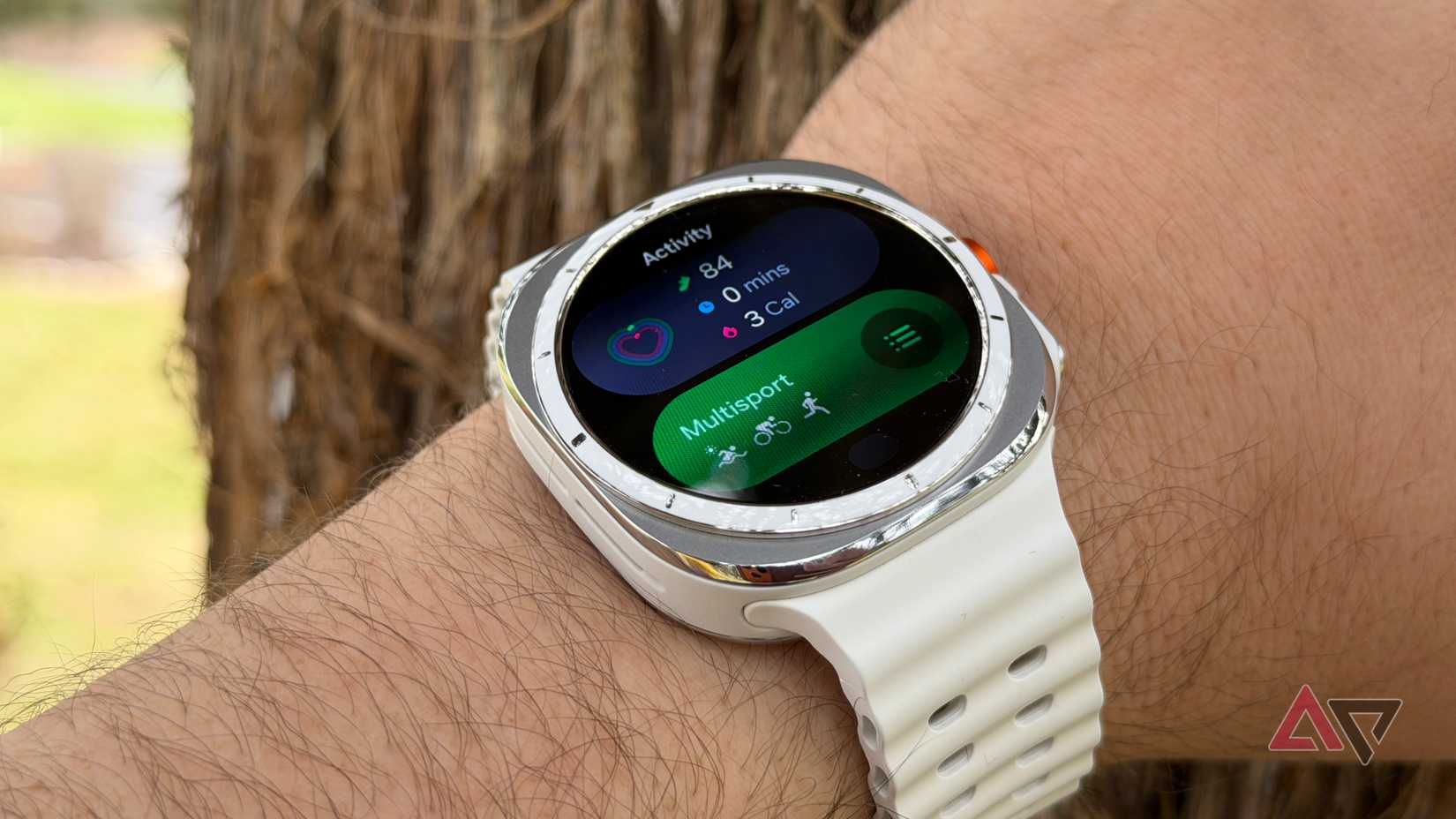
One UI 8 Watch adds depth to the watch interface.
The new stackable tile system lets you group related widgets together, so a quick scroll or bezel turn gets you through a dense bundle of info without the usual friction.
Previously, my watch was cluttered with 12 separate tiles:
- Daily Activity
- Sleep
- Heart Rate
- Stress
- Weather
- Calendar
- Alarm
- Timer
- Media Controller
- Buds Controller …and so on.
Finding the Timer tile used to take several swipes, which killed the idea of glance, so I’d just grab my phone instead. But with the Stackable Tile System, I’ve grouped those 15 tiles into four easy stacks.
- The Health Stack: Sleep, Energy Score, Activity, and Heart Rate
- The Utility Stack: Timer, Alarm, Voice Recorder, and Calculator
- The Context Stack: Weather, Calendar, and Reminders
- The Media Stack: Spotify, YouTube Music, and Buds Controls
Phones evolved to let you stack widgets and save space, and now Samsung’s done the same for their watch.
Now Bar complements the new tile system
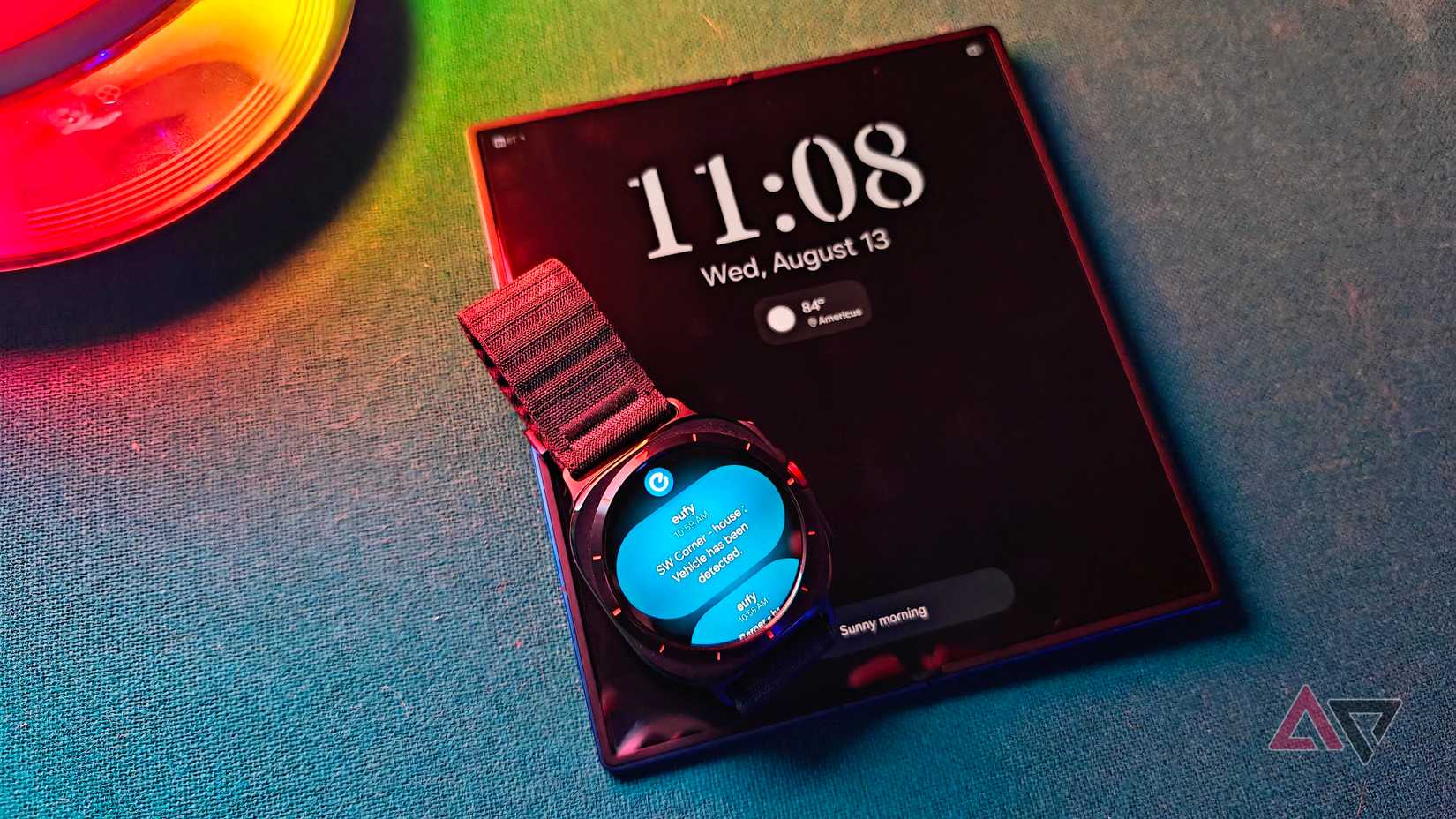
Stackable tiles handle static info, and the Now Bar complements that with live details about what you’re up to right now.
In older versions of the Galaxy Watch software, background tasks just didn’t work well.
Now Bar is a live, interactive bar that sits at the bottom of the watch face, always there and updating as you do things.
For example, when I’m listening to music, the Now Bar shows the song name scrolling by with a little equalizer animation.
I don’t have to open the full Spotify app just to skip a track or change the volume. At the same time, if I start the timer and head back to the home screen, it shows up with a countdown.
One UI 8 Watch improves the pinch gesture with contextual actions
To use the watch, you need one hand to wear it and another to interact. When your hands are full — carrying stuff, holding a child, or gripping a subway pole — the watch turns into just a screen you can’t use.
The Double Pinch Gesture in One UI 8 (tapping your thumb and index finger twice) is now a major navigation feature. It understands the situation and behaves differently depending on the context, which makes it feel far more intentional than before.
It’s a natural evolution of the pinch gesture that was already one of our favorite One UI 7 tricks, now expanded and polished into a core part of the watch experience.
For example, a double pinch opens the Now Bar to quickly check active tasks. If you’re in notifications, it opens the notification panel. If you’re listening to music, a double pinch will play/pause your track.
One UI 8 Watch helps you stay present
Smartphones are useful, but they are like a library inside a casino. Every time you go in to check something, you risk getting sucked into the slots.
Unless you actively tweak them to be less distracting, the default experience is designed to keep you there longer than you planned.
The Galaxy Watch with One UI 8 is different. I wake up, glance, know the weather, my energy, and my schedule, then simply move on with my day and stay in the moment.

8.5/10
- Case size
-
40mm/44mm
- Colors
-
Graphite/Silver
- Display
-
1.3-inch/1.5-inch Super AMOLED
- CPU
-
Exynos W1000
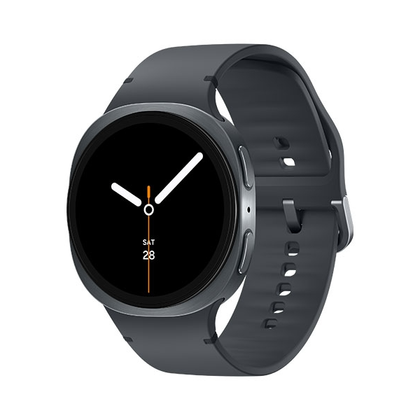
The Samsung Galaxy Watch 8 includes new health and wellness features along with AI-enhanced features and more intuitive customization options.